AI Floral Design for Your Next Beautiful Arrangement

Describe your flowers, colors and occasion—or upload an arrangement to give it a fresh direction.

Add an arrangement photo (optional)

Start from text, or upload a floral arrangement to edit with the + button.

Choose a starting instruction

A loose blush and ivory wedding bouquet.

AI floral design ideas for every kind of moment

AI floral design brings a flower idea into view while you are still choosing the details. Combine your favorite blooms, explore a color palette and see how the arrangement could feel in its setting. Start from a written description or upload a reference you want to adapt. Whether you are planning wedding flowers, preparing a client concept or refreshing a table at home, a clear image gives everyone something specific to respond to.

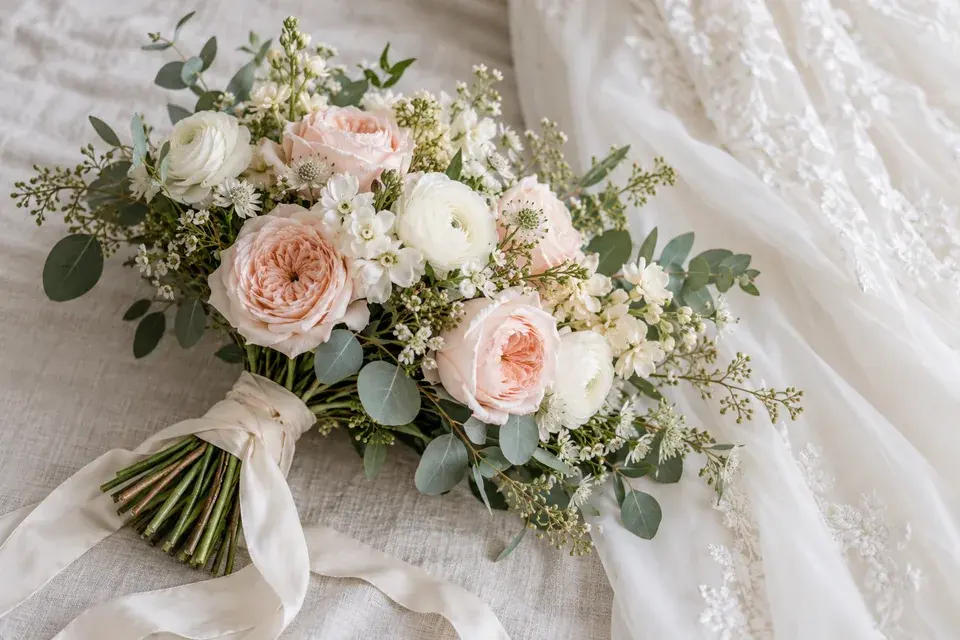
Blush, ivory and eucalyptus bouquet concept

Find the shape and palette of your wedding bouquet

Bring your wedding colors into a bouquet with a recognizable shape and mood. AI floral design can help you explore a loose garden arrangement, a compact round bouquet or a more flowing silhouette. Naming a few main flowers gives the concept a starting point; describing the balance of blush, ivory and green helps the whole arrangement feel intentional.

Include the details that matter to your overall look, such as an ivory ribbon, airy foliage or a soft background. If you already have an inspiration photo, upload it and explain the changes you want. Save the finished concept to discuss the flower choices, proportions and finishing touches with your florist.
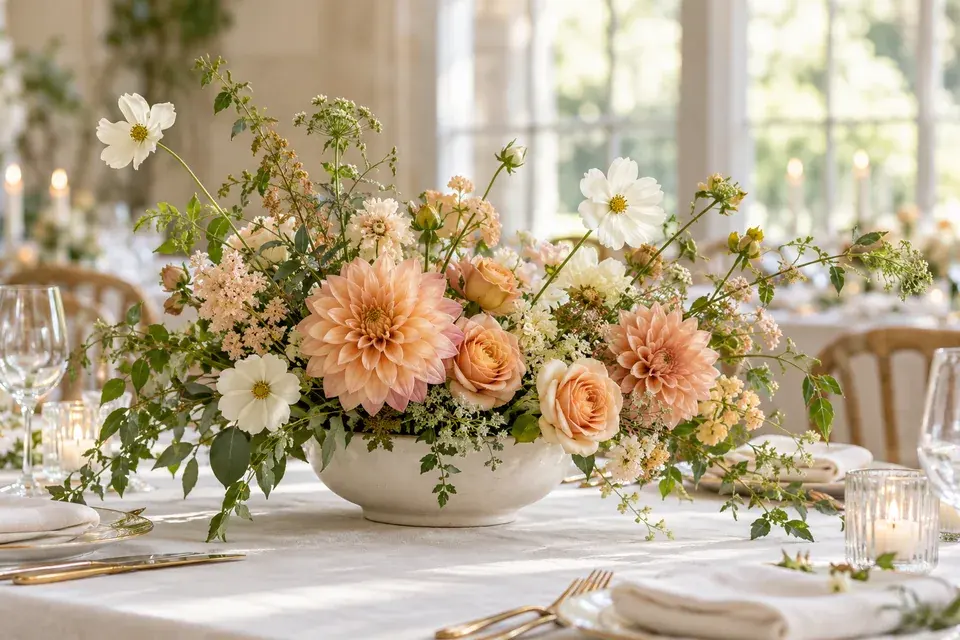
Peach and cream centerpiece in a low ceramic bowl

Bring the whole table into the picture

A centerpiece sets the tone for the table through its height, spread and relationship to the vessel. Use AI floral design to picture a low, wide arrangement with space between the blooms, or a fuller composition that feels more abundant. Describing the linen, table color and occasion helps place the flowers in a setting that supports the design.

For a summer wedding, try peach dahlias, apricot roses and ivory flowers in a cream bowl. Ask for a low silhouette and gentle asymmetry. You can compare another palette by keeping the shape and vessel in your description, then changing the flowers or color balance. Download each direction before creating the next one.

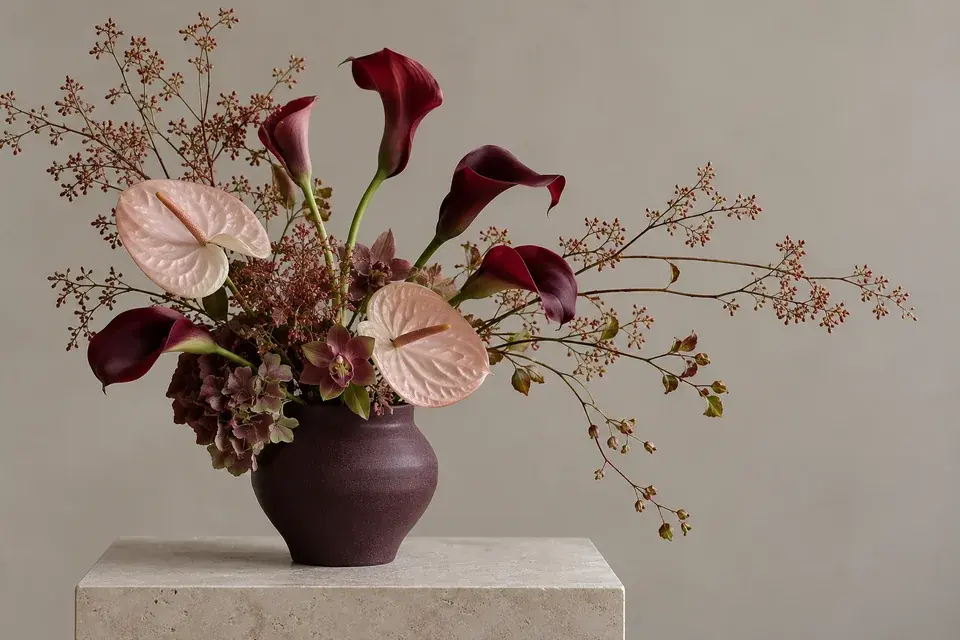
Burgundy calla lilies and blush anthuriums

Explore a sculptural arrangement with character

Play with line, height and negative space to create a floral statement for a reception desk, restaurant or home. AI floral design gives you a way to explore contrasting flower shapes before deciding on the final composition. Long stems, curved calla lilies and broad anthurium leaves can create a different feeling from a rounded arrangement of garden roses.

Describe the vessel as carefully as the flowers: a low ceramic bowl, a tall glass cylinder or a dark matte vase all change the composition. Mention whether you want the design to feel minimal, expressive or balanced. A simple background makes the silhouette easier to review when sharing the image with someone else.

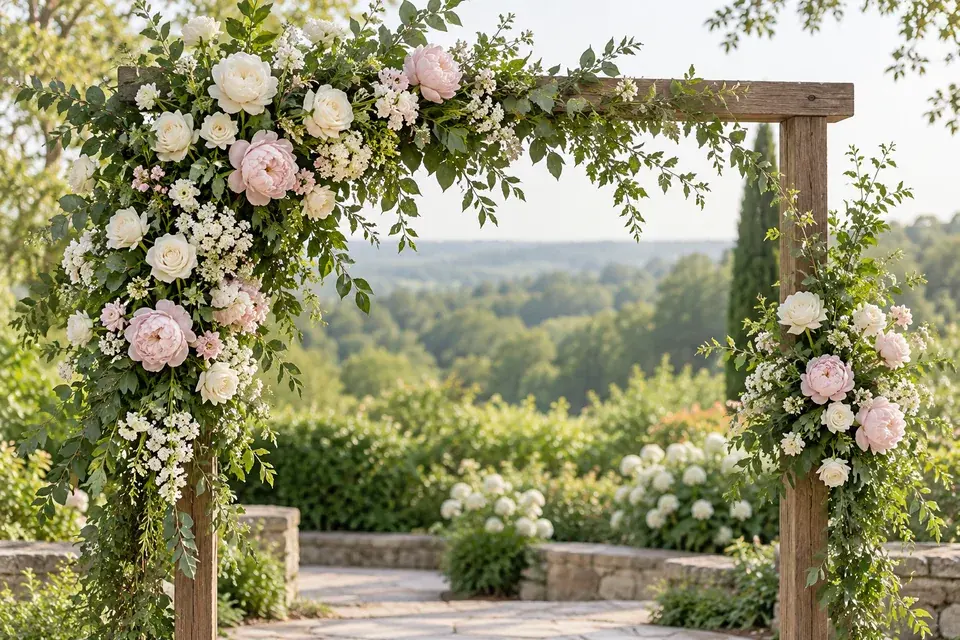
Asymmetric garden ceremony arch concept

Set a floral direction for a ceremony space

Visualize how flowers and foliage could frame a ceremony, entrance or event backdrop. AI floral design lets you explore an airy arrangement concentrated on one side, a fuller floral canopy or a restrained installation with visible structure. Describing the setting helps the flowers feel connected to the venue, whether the background is a garden, a courtyard or an indoor wall.

Choose Installation in the studio and describe the shape, flowers and placement you have in mind. Use a reference photo when you want to adapt an existing arrangement. The resulting image gives your event team a clear visual direction for discussing proportions, floral coverage and the atmosphere you want to create.

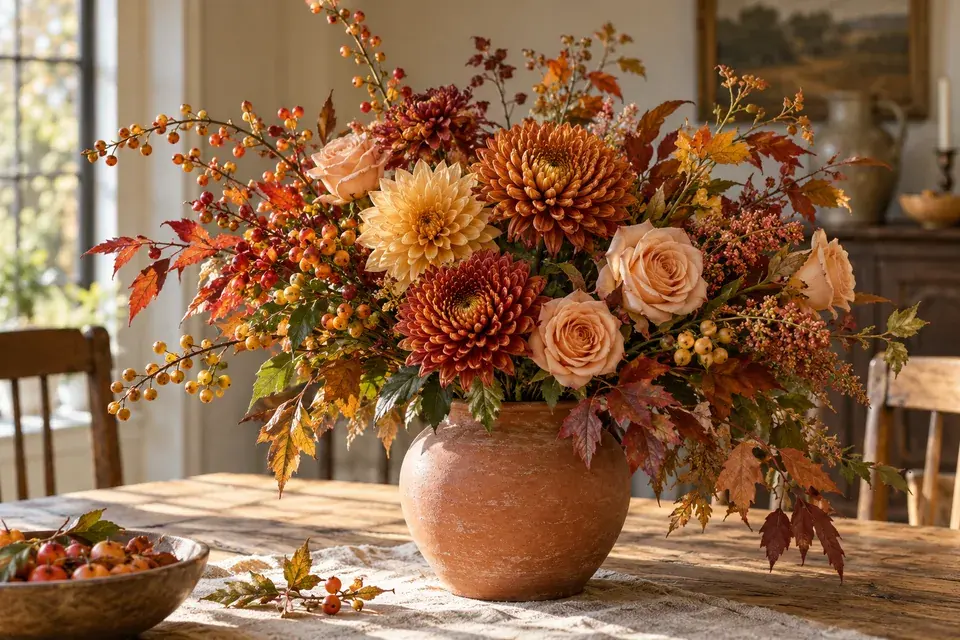
Copper, gold and peach arrangement in terracotta

Develop a palette with seasonal warmth

Explore a seasonal mood through flower color, texture and the choice of container. AI floral design can bring copper chrysanthemums, golden dahlias and soft peach roses into one composition, helping you see how warm tones work together. Berry branches and foliage can add movement, while a terracotta vessel connects the flowers to a relaxed table setting.

Start with a dominant color and add one or two supporting tones. Then describe the amount of greenery, the arrangement height and the surrounding materials. Save a fuller version and a simpler version to compare the feeling. A visual concept makes it easier to communicate a seasonal direction when choosing the final flowers available to you.

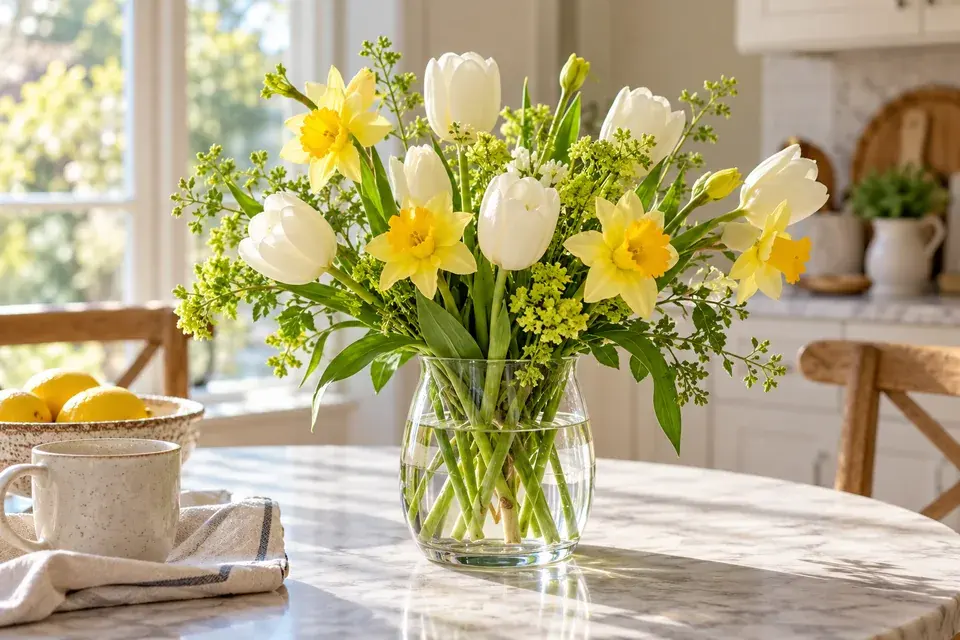
White tulips and yellow flowers on a breakfast table

Make everyday flowers feel personal

A small arrangement can change the mood of a room. Try AI floral design to explore a bright kitchen vase, a gentle bedside arrangement or a simple group of stems for a weekend lunch. You can begin with flowers you already like and describe the container you own, so the concept feels connected to your home.

For an easy starting point, ask for white tulips and yellow spring flowers in clear glass with natural morning light. Change the amount of foliage or the height to explore another balance. If you upload your current arrangement, explain which flowers, colors or container details you want to retain while trying a different composition.

Create an AI floral design in three steps

  1. 1. Choose your starting point

    For a new idea, describe the flowers you want in the prompt and leave the upload empty. To revise an existing arrangement, upload a clear photo. Select Bouquet, Centerpiece, Vase or Installation so the tool has a useful starting shape for the composition.

  2. 2. Add colors, occasion and character

    Write the palette, mood and finishing touches in the prompt. Include a vessel or ribbon where relevant. AI floral design responds to concrete directions such as “mostly ivory with small peach accents, low and wide, in a cream bowl.” Give the most important details room to stand out.

  3. 3. Create and share your concept

    Choose a landscape, square or portrait image shape, then generate. Download your favorite result for a proposal, mood board or planning conversation. To build on the finished image, download it and upload it as the next reference, then describe the changes you want.

Turn a list of flowers into a clear creative brief

A helpful AI floral design brief connects five things: the occasion, the shape, the flowers, the colors and the container. For example: “A relaxed wedding centerpiece in a shallow white bowl. Peach dahlias are the main flowers, with cream roses and airy greenery. Keep the arrangement low and wide, with a little space between the stems.” This gives the image a clear purpose. For reference edits, add one sentence about what should stay, then one about what should change. Keep the same brief when exploring a small color variation.

Questions about AI floral design

Can I generate an arrangement without a photo?

Yes. Choose an arrangement preset, then describe your flower choices, colors and occasion in the prompt. The tool creates a new image from that brief. Start with a few meaningful details, then use the result to decide whether you want a fuller shape, softer palette or different vessel.

Can I change the flowers in a reference image?

Yes. Upload the arrangement and name the flowers or colors you want to change. Explain what you want to keep, such as the vase, overall silhouette or background. AI floral design can then work from that visual starting point while following your new direction.

How can I make the colors feel more balanced?

Name a dominant color and describe the role of the accents. “Mostly cream with a few blush flowers and light greenery” is clearer than a long list of equally important colors. If the first concept feels too busy, simplify the palette or ask for fewer accent blooms.

Can florists use this for client proposals?

You can download concept images to support a conversation about shape, color and overall style. Pair the image with your own flower selection and proposal details. AI floral design is especially useful when a client has a mood in mind but needs a concrete visual to discuss.

Can I create coordinated flowers for one event?

Yes. Reuse the same palette and main flowers in separate briefs for a bouquet, centerpiece and installation. Describe the different shape and setting for each image. Keeping those shared details in your prompts helps you explore a consistent direction across the event.

How do I get started and see the cost?

Sign in to see the credit cost on the generate button, choose your settings and create your image. Download the finished result from the preview, or return to My generations to find your work later.

Bring your flower idea into view

Start your next AI floral design with the blooms, colors and occasion you have in mind.

Create my floral concept