Remove Leash from Photo

Upload your pet photo and ask AI to remove the leash while keeping the collar, coat markings and original scene.

Upload your pet photo

JPG, PNG or WebP. Choose a clear photo showing the leash and attachment.

Choose a starting instruction

The starting instruction for a pet portrait with a visible lead.

Six ways to clean up a pet portrait

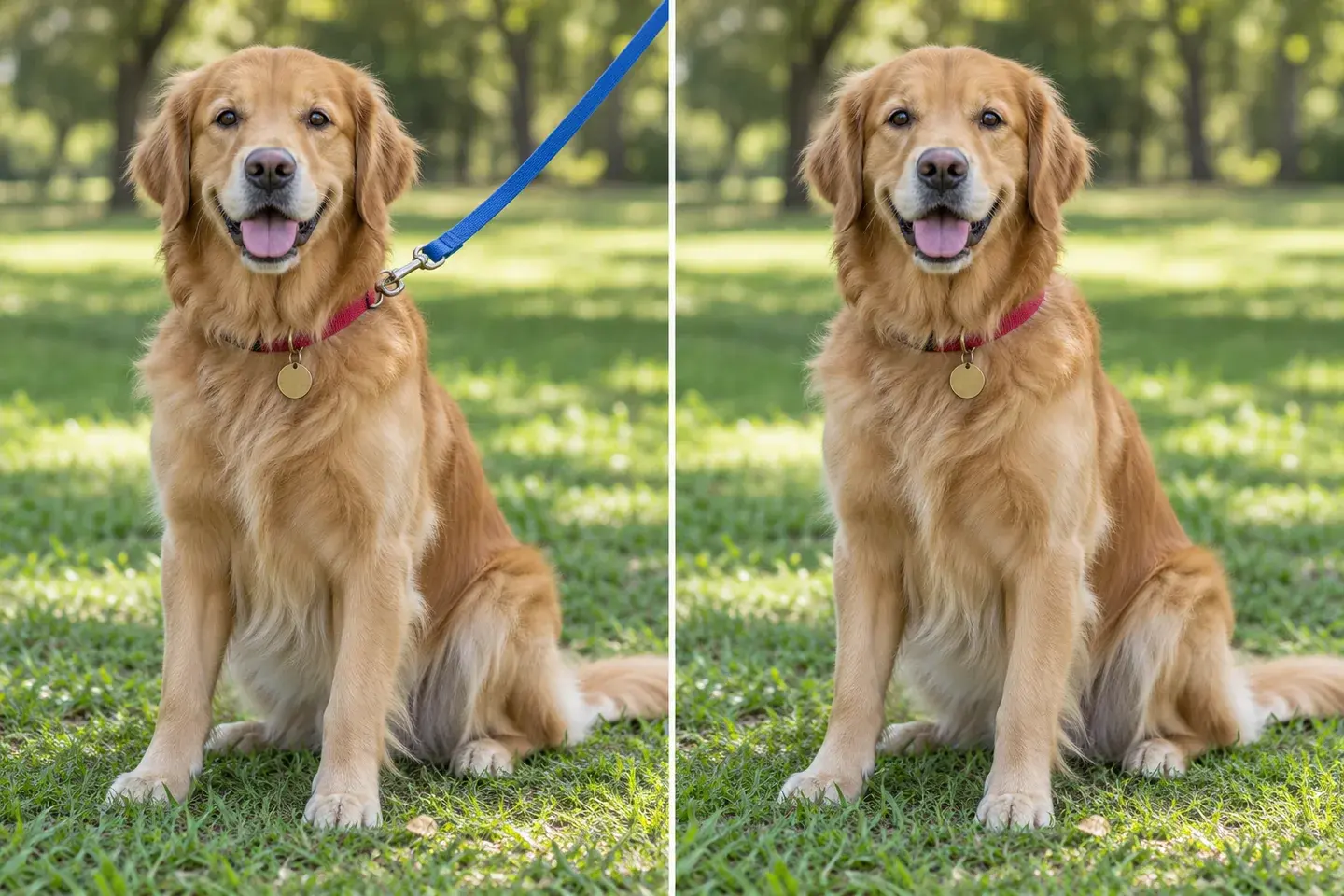
Golden retriever on a lawn, illustrated with a blue leash on the left and without the leash on the right.
With leashCleanup example

A park portrait with the collar still in place

Give the expression and personality more room in the frame. Start with leash-only cleanup when the lead sits against an open lawn. Keep the collar and tag in your instruction, then inspect the small connection point. A clear request is easier to review than asking for a complete pet-photo makeover.
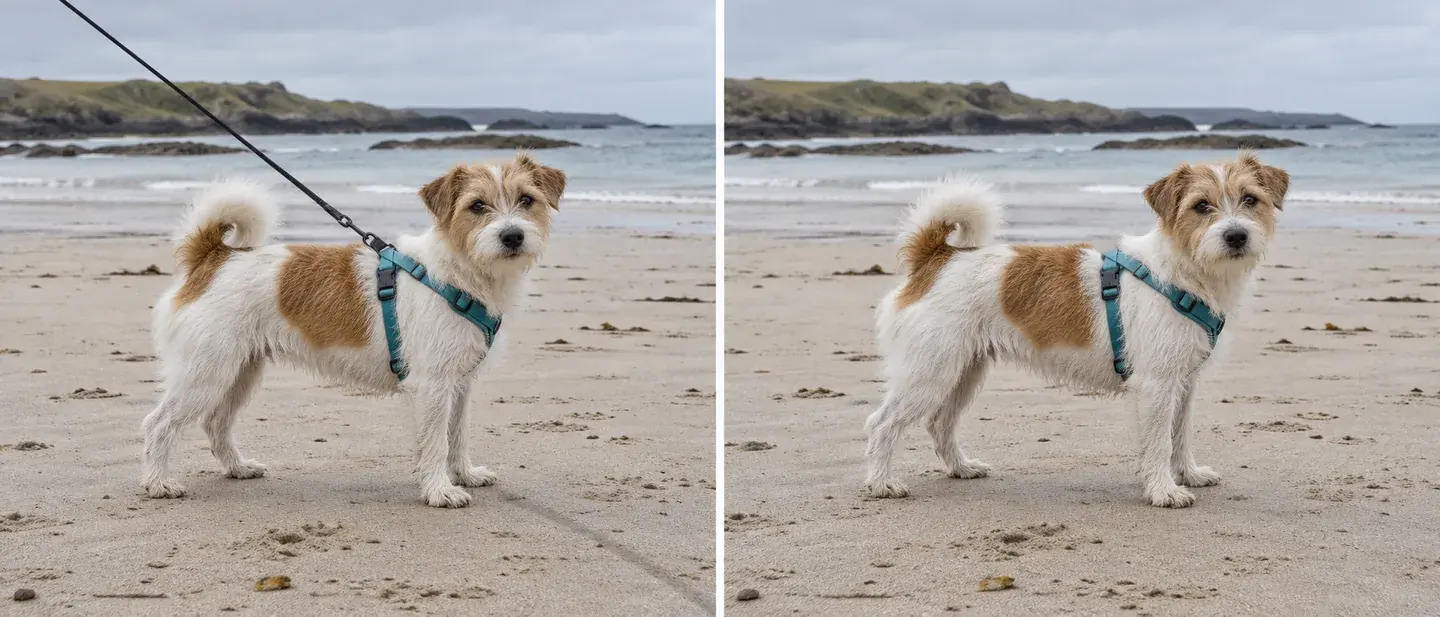
Terrier in a teal harness on a beach, shown with a lead and with the lead removed in a generated example.
With leashCleanup example

A beach memory without a diagonal lead

An otherwise relaxed beach photo can have a strong line running across the sand. Ask to remove the lead while keeping the harness, paws and shoreline. If the leash casts a distracting shadow, describe that separately and retain the pet’s contact shadow. The animal should still appear to stand naturally on the sand.

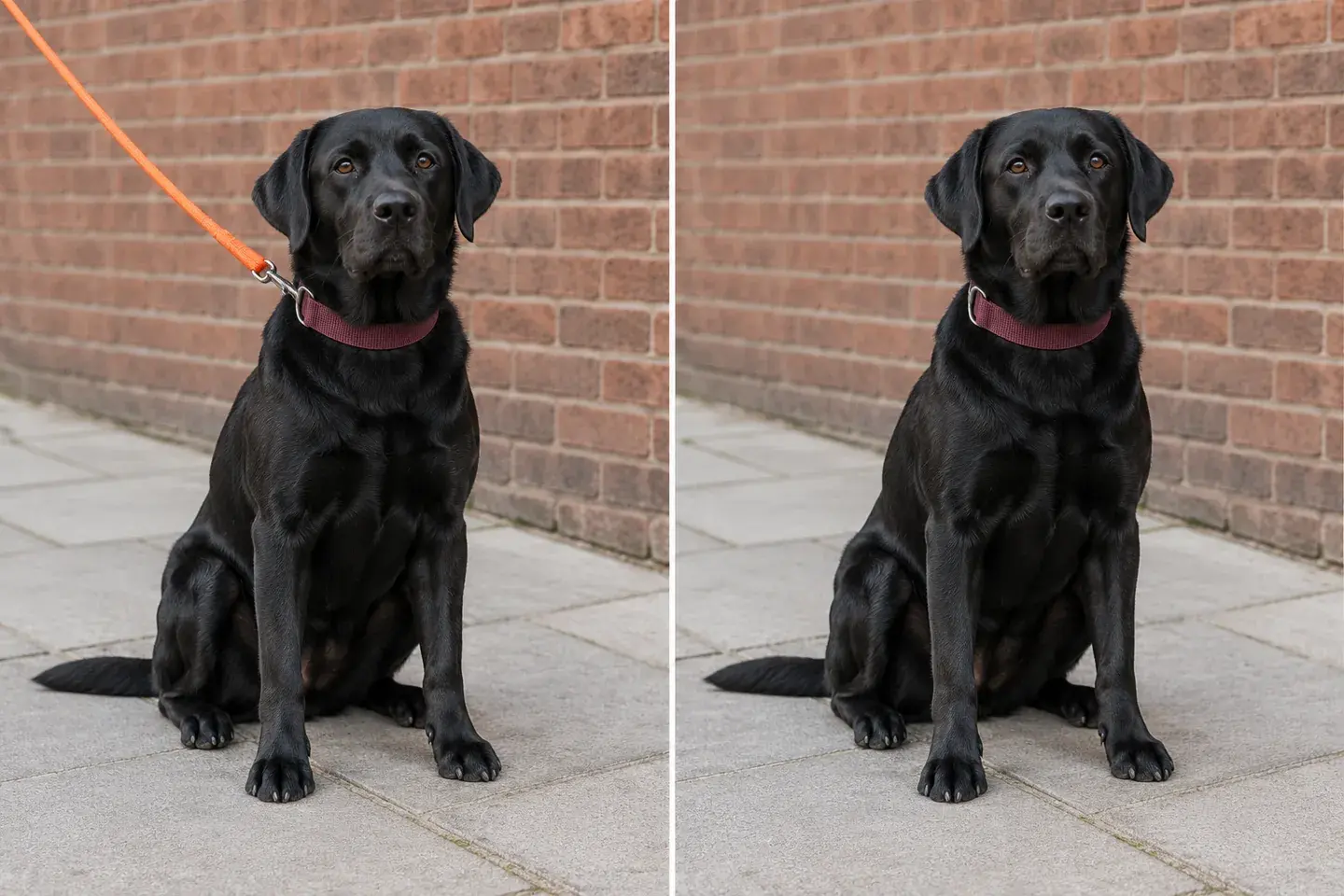
Black Labrador beside a brick wall, with an orange leash on the left and a leash-free illustration on the right.
With leashCleanup example

A cleaner frame against brick and paving

A simple city portrait puts the pet against recognizable surfaces. When a leash crosses a wall, look for continuous brick courses in the filled area. Check pavement joints as well as the dog’s outline. Request the existing background to stay; moving the pet to a new location is a separate editing task.

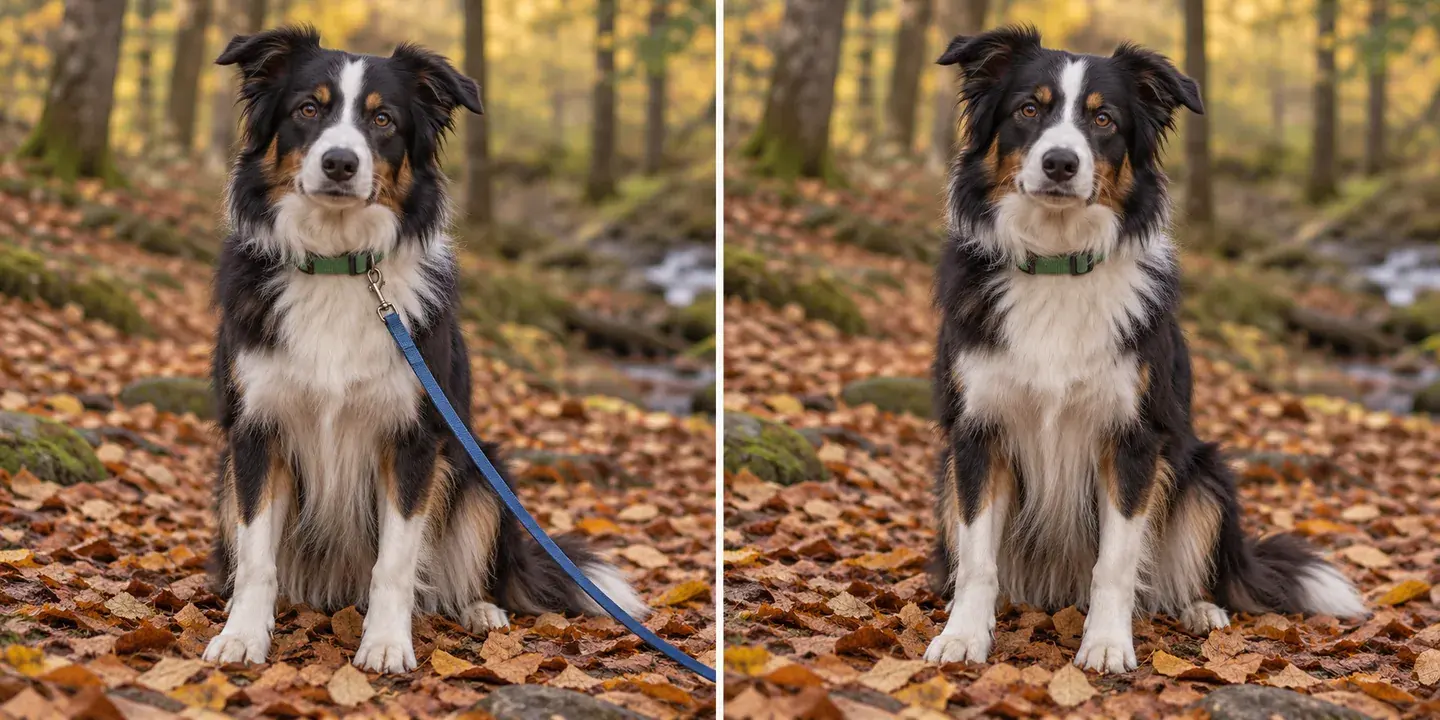
Border collie in autumn woodland, illustrating removal of a blue lead crossing part of its coat.
With leashCleanup example

A lead crossing long or patterned fur

The covered strip of fur needs reconstruction, so tell the editor to follow the surrounding coat direction and color. Keep the original nearby to compare distinctive markings and the chest outline. The model uses the surrounding coat to rebuild the covered area, following the fur’s direction and visible markings.

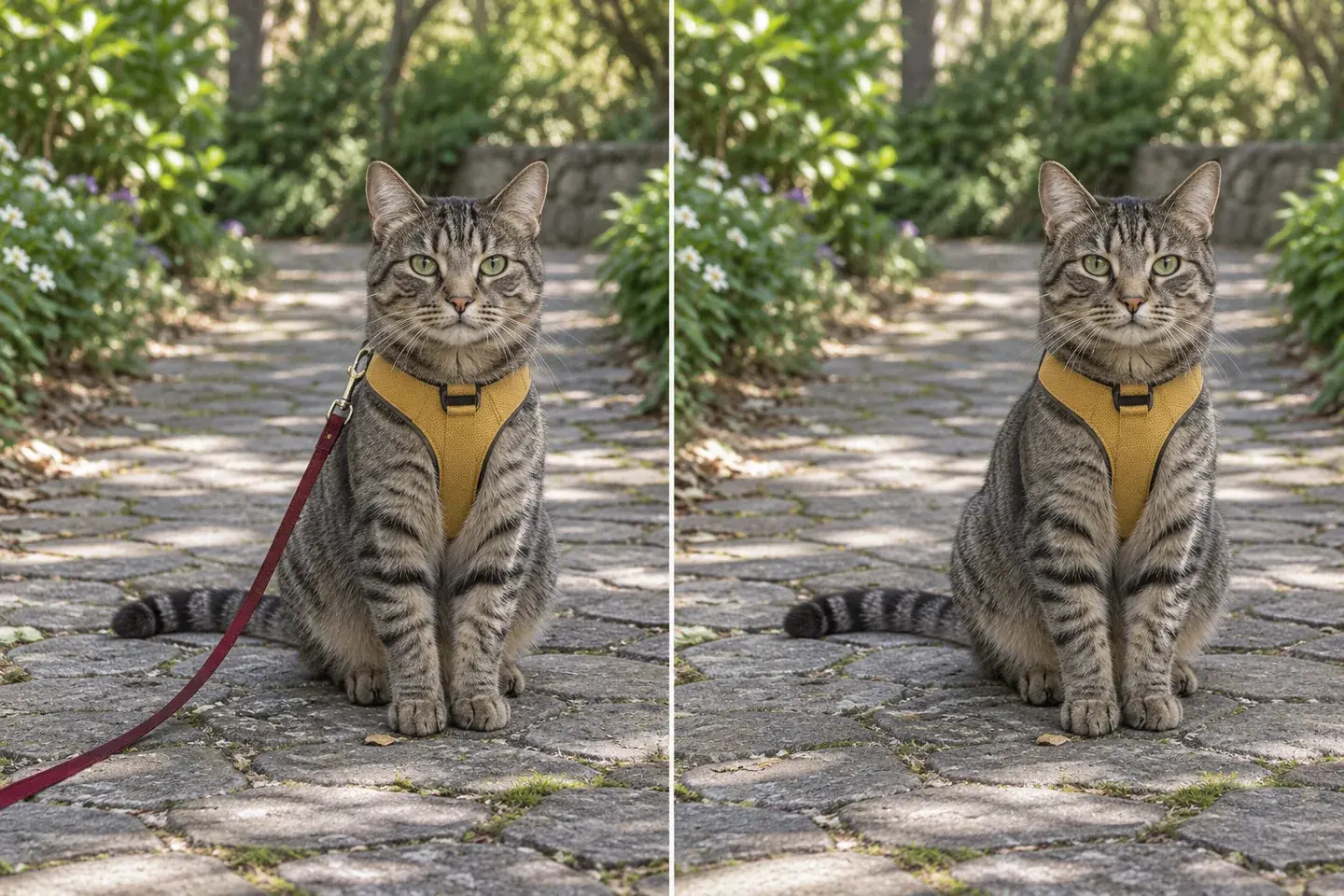
Tabby cat wearing a yellow harness on a garden path, illustrated with and without a red lead.
With leashCleanup example

A garden portrait for an adventurous cat

The same written-request workflow can describe a cat’s lead. Identify the harness as something to retain, along with whiskers, stripes and the tail. A thin cord can resemble a plant stem or a line in the path, so name its color and location. Review both the animal and the reconstructed ground before saving.

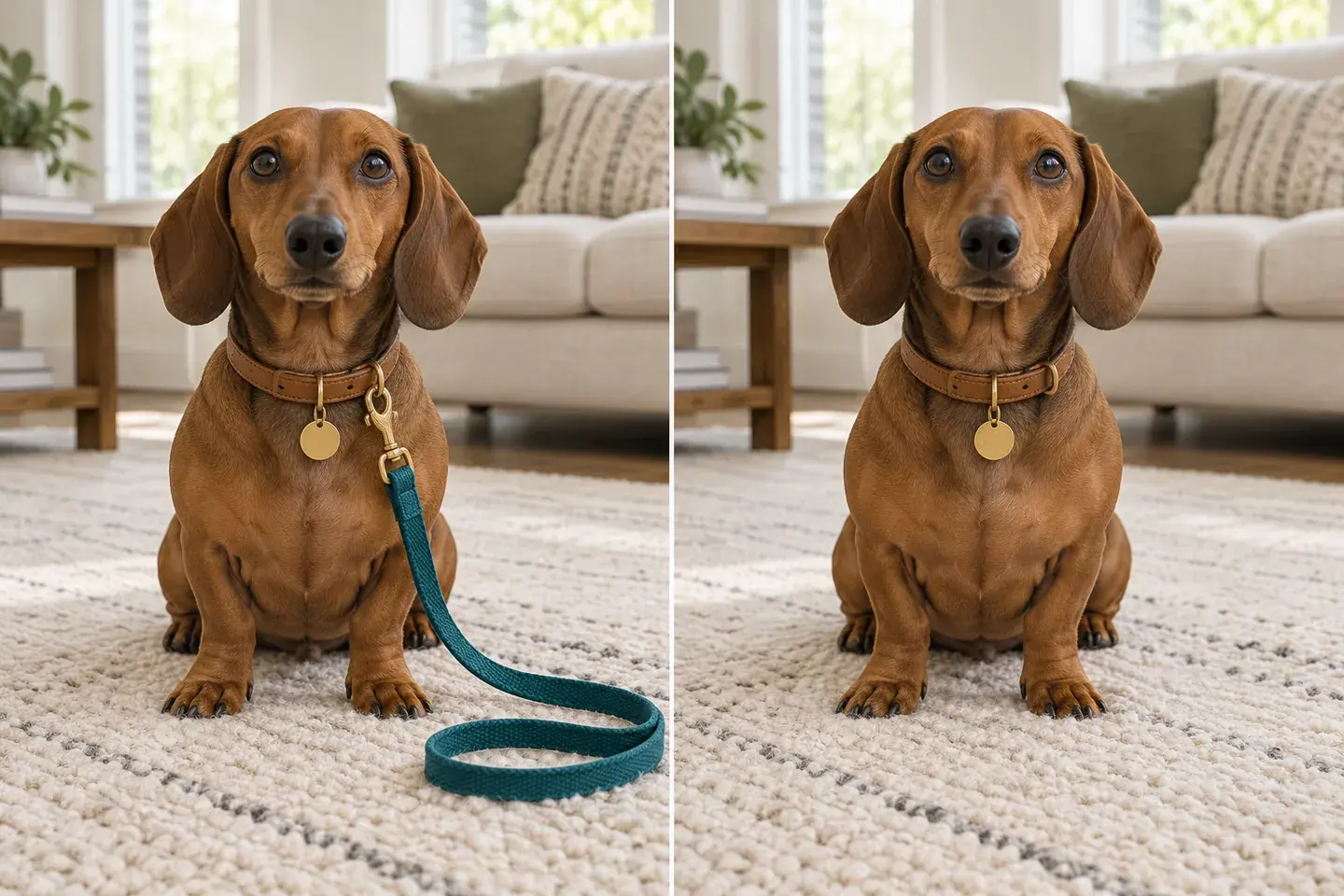
Dachshund on a cream rug, illustrating a loose teal lead removed while its leather collar remains.
With leashCleanup example

Keep the cozy setting, clear the loose strap

An indoor photograph may have a looped lead lying across a rug rather than a line rising out of the frame. Ask for the whole loose strap and its clip to disappear while keeping the collar and ID tag. Compare the rug weave, nearby furniture and the pet’s paws so the room still feels like the same moment.

Keep the moment. Edit the distracting leash.

Remove a leash from a pet photo while keeping the pet’s expression, coat and collar. Upload your picture and use the leash-removal preset, or describe the strap and its path through the image. The editor cleans the leash from the scene and blends the area with nearby fur, grass, sand or other surroundings. It is a convenient way to create a cleaner dog portrait from a walk, a beach outing or a pet photography session.

The details that make leash removal believable

Follow the whole leash

Trace the line from the attachment to the edge of the frame. A thin retractable cord can remain visible in short sections, especially where its color blends into grass or dark fur. Inspect those sections before accepting the edit.

Protect the attachment area

Compare the collar shape, tag and fur beneath the clip. The instruction asks to remove leash hardware while retaining the collar ring. Check that the neck contour and any distinctive chest markings still match the original.

Separate the shadows

A leash may cast a thin shadow across pavement. Remove that shadow only if it distracts from the picture. Keep the dog's contact shadow and ordinary scene shading so the animal still appears to stand on the ground.

A short piece of cord remains

Return to the original and describe the missed section, such as the blue line above the left shoulder. Ask for the complete visible leash rather than broad object removal. A new generation uses credits, so check the current cost before trying another instruction.

The collar or coat changes

Describe where the lead joins the collar and ask to keep the collar’s shape, buckle and color. If a small detail needs refinement, return to the original and name that area. Keeping leash removal separate from a broader background change gives the model a clear task.

The repaired background looks bent

Fence rails, paving joints and lettering need to continue through the repaired area. Compare those lines with the source. For a complex edge, describe the line or pattern to retain and focus the instruction on the leash crossing that area.

Remove leash from photo online: the workflow

  1. Upload a clear source

    Choose a JPG, PNG or WebP with the pet and leash visible. Use an original camera export rather than a screenshot when possible. Start with one photo, and keep the unedited copy separately for comparison. Convert HEIC or RAW files to a supported format first.

  2. Describe the removal boundary

    Choose a starting instruction in the editor. Name the leash color and position when several similar lines appear. Specify whether the collar, tag and harness should remain. Review the generation cost shown in the editor before you start.

  3. Compare, then download

    Review the result alongside your original photo. Download the image and inspect the attachment and repaired background closely in your photo viewer. Check the eyes, paws and coat pattern as well as the missing leash. Revise the instruction from the original if important details changed.

Choose the leash cleanup for your photo

MethodBest fitControlWhat to review
Leash over backgroundA lead crossing grass, sand or a pathDescribe the strap and its shadowBlended background texture
Leash over furA strap across the pet’s coatRetain fur direction and markingsNatural coat detail
Collar connectionCleaning the lead near the neckKeep the collar or harness in the briefA clear collar edge and retained accessories

Keep the edit centered on the lead while retaining the collar, harness and coat markings you want. You can name the leash’s route and include its shadow for a more complete cleanup. A clear reference and a focused instruction make it easier to preserve the moment while removing the distraction.

For the pet photos you want to keep

Everyday favorites

Prepare a cleaner copy of a park walk or an indoor moment without planning a new scene. Save the unedited file alongside the version you choose.

Prints and keepsakes

Review the exported dimensions before ordering a print. Name distinctive coat markings so the editor can keep them consistent around the cleared strap.

Adoption and pet profiles

Keep identifying markings and the pet’s physical appearance faithful to the source. A cleanup should not imply a different coat condition or body shape.

Frequently asked questions

Can I remove a leash without changing my dog?

Yes. The preset focuses on the leash while preserving your pet’s face, pose, fur markings and collar. Upload a clear photo and mention distinctive coat details you want retained.

Does it work when the leash crosses fur?

Yes. Describe where the leash crosses the body and ask to restore the surrounding fur texture and markings. A sharp photo gives the editor more visible detail for blending the cleaned area naturally.

Can I keep the collar or harness?

Yes. The default direction keeps the collar. If you also want to retain a harness, say so in the prompt and identify only the lead or loose strap to remove.

Can I remove the leash from a beach or park photo?

Yes. The editor can blend the cleared area with grass, sand, paths and other backgrounds. Include the leash’s shadow in your request if it is also distracting.

Can I edit a photo with more than one pet?

Yes. Identify the pet and leash by position, color or the route of the strap. State which other pets and accessories should remain so the edit stays focused.

Do I need to brush over the leash?

No brush selection is needed. Use the preset and add a short description when the leash blends into the scene, such as the red lead running from the collar toward the upper-left corner.

What does leash removal cost?

The editor displays the credit cost for your selected model and output size before generation. Review the prompt, create the edit and download the finished pet portrait.

View current pricing · Privacy policy

Make your pet the focus of the photo

Ready to try your pet photo? Start with leash-only cleanup and keep the original for comparison.

Upload your photo